
Introduction
I have always found that the best way to learn a technology is to actually build something with it. That idea became the starting point for ApotheonAI after I came across an Applied AI Junior Web Developer posting from TrendAI at Trend Micro. What caught my attention was how willing they seemed to look at real work, including personal projects, rather than only professional experience. The role also described a modern stack built around Astro, React, Tailwind CSS, a headless CMS, testing, and AI-assisted development.
I already had experience with technologies like React, TypeScript, Tailwind CSS, and AI coding tools, along with some familiarity with Playwright. Instead of simply treating the posting as a list of requirements, I saw it as an opportunity to build on what I already knew while getting practical experience with some of the technologies and workflows I had not worked with as deeply.
That became ApotheonAI.
Building a real content-driven website
The project is built primarily with Astro, with TypeScript handling browser-side interactions where needed and Tailwind CSS handling most of the styling.
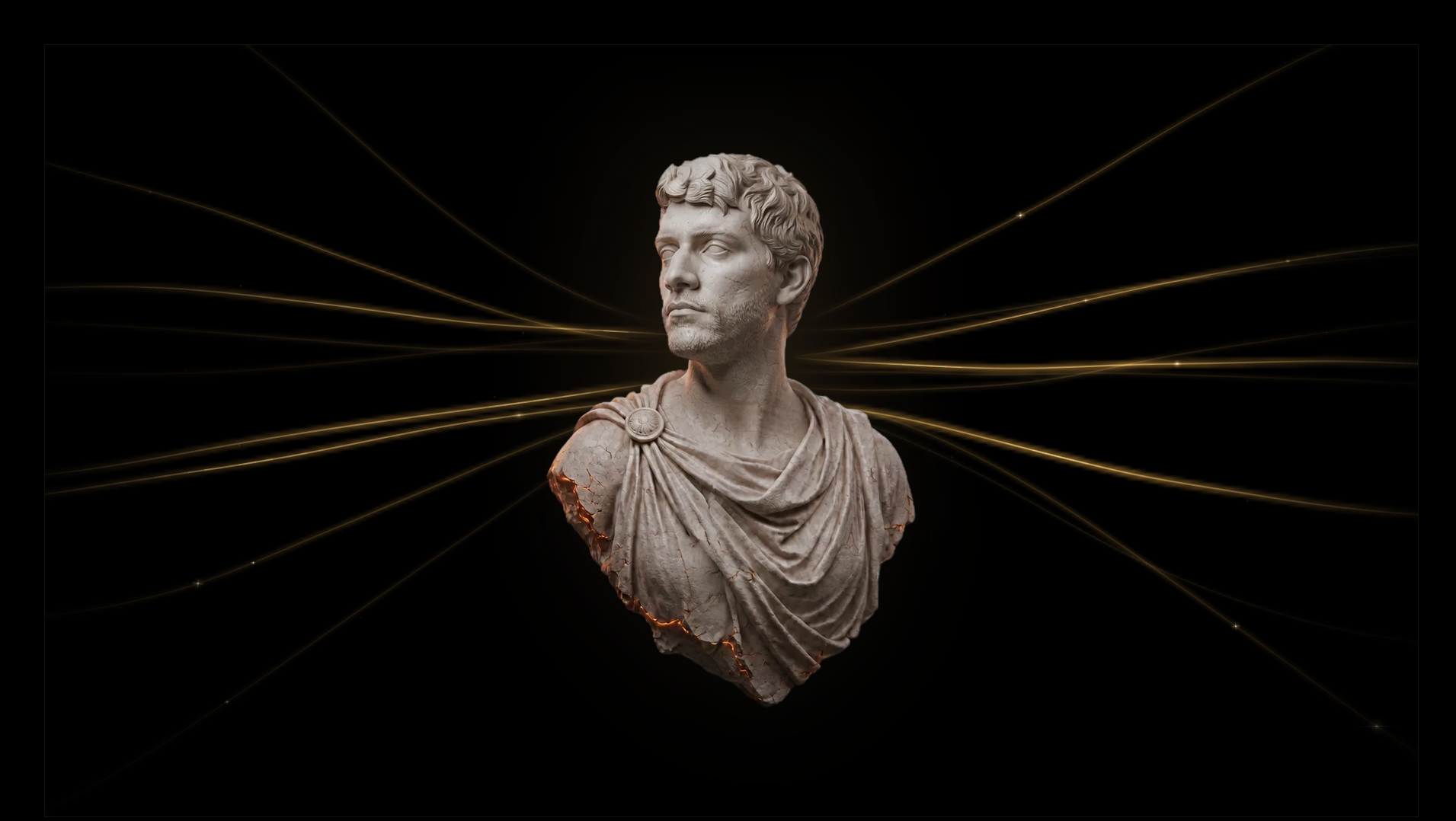
Before I started building, I created the main visual direction of the site in Figma, particularly the hero section. Translating that design into an actual responsive website became an interesting challenge of its own. I had to figure out how the typography, spacing, imagery, layering, and layout should respond across different screen sizes while still keeping the look and feel of the original design.
One thing the project reinforced for me was that using a modern stack does not mean using every technology everywhere.
I could have turned interactive parts of the site into React components because React was already a tool I was comfortable using. Instead, I found that Astro components with small amounts of TypeScript were often enough. React still makes sense when client-side state or more complex interactivity actually calls for it, but this project gave me a better appreciation for choosing a technology because the problem needs it rather than because it happens to be familiar.
I took a similar approach with Preline. Rather than rebuilding the entire navigation overlay system myself, I used Preline for the part it was good at while keeping the surrounding interactions custom.
The navigation also gave me an opportunity to work more with GSAP. The hamburger icon transitions into an X using animated SVG geometry, while the same accessible button remains responsible for controlling the menu.
It was a relatively small feature, but it taught me quite a bit about animation, interface state, responsive behavior, and accessibility working together.
Adding a real CMS
One of the biggest new parts of the project for me was integrating Sanity as a headless CMS.
I wanted the blog to behave like something that could realistically be handed to someone who does not want to touch the codebase every time a new article needs to be published. Posts, authors, excerpts, publication dates, header images, alternative text, credits, and article content can all be managed through Sanity Studio without changing the Astro frontend.
On the development side, this taught me much more about the full path CMS data takes before it actually appears on a webpage:
Sanity → GROQ → Astro page → component
A field existing in the CMS does not automatically mean the frontend knows what to do with it. The schema, GROQ query, TypeScript types, component props, and rendering logic all have to agree.
That sounds obvious once everything works. It feels much less obvious when you are staring at a perfectly valid CMS field wondering why it keeps showing up as undefined.
Working with GROQ and connecting Sanity to Astro gave me a much better understanding of how a content-driven site can keep its content management separate from the frontend that actually presents it.
Testing the site properly
I also built out the project's end-to-end testing with Playwright.
I had some familiarity with Playwright before starting the project, but this gave me the opportunity to use it much more extensively in a real site.
The tests cover the major pages, navigation, blog routes, links, images, and important user-facing behavior. They run against a production build of the Astro site rather than only the development server.
Working through the test suite made me much more comfortable with locators, assertions, accessibility-based selectors, debugging failures, and thinking about tests in terms of actual user behavior instead of simply trying to increase the number of tests.
I also added GitHub Actions so the Playwright suite can run outside my local environment and generate a test report.
That was an important step because it made testing feel like part of the development process itself rather than something I only run manually when I remember to.
Using AI as part of development
AI-assisted development was part of my workflow before ApotheonAI, so I wanted to keep using it as a practical development tool throughout the project.
I used AI to help investigate bugs, think through implementation choices, generate and refine tests, troubleshoot problems, review ideas, and speed up some of the more repetitive parts of development.
What the project reinforced for me was that the useful part is not simply having AI generate code. I still had to understand the changes, run the code, reproduce problems, inspect failures, and decide whether a suggested solution actually made sense for the project.
When used that way, AI became a way to shorten the feedback loop while still keeping the actual technical decisions in my hands.
What I took away from it
ApotheonAI started with a pretty simple thought: if this is the kind of work I want to do, why not build something real around it?
The project let me build on skills I already had in React, TypeScript, Tailwind CSS, testing, responsive development, and AI-assisted development while gaining much more hands-on experience with Astro, Sanity, GROQ, Preline, GSAP, GitHub Actions, CMS architecture, accessibility, and production-style testing workflows.
More importantly, I got to see how all of those pieces interact inside one project. Instead of learning technologies through isolated tutorials, I had to make design decisions, choose the right tools for individual problems, debug unexpected behavior, rethink implementations, test the results, and keep improving something that actually existed.
There are still things I could add and plenty I could improve, but I am genuinely happy with how ApotheonAI turned out. I am even happier with the experience of building it. I finished with a project I am proud to show, a stronger understanding of the technologies behind it, and the confidence that comes from taking an idea from a Figma design all the way to a real, tested, content-driven website.